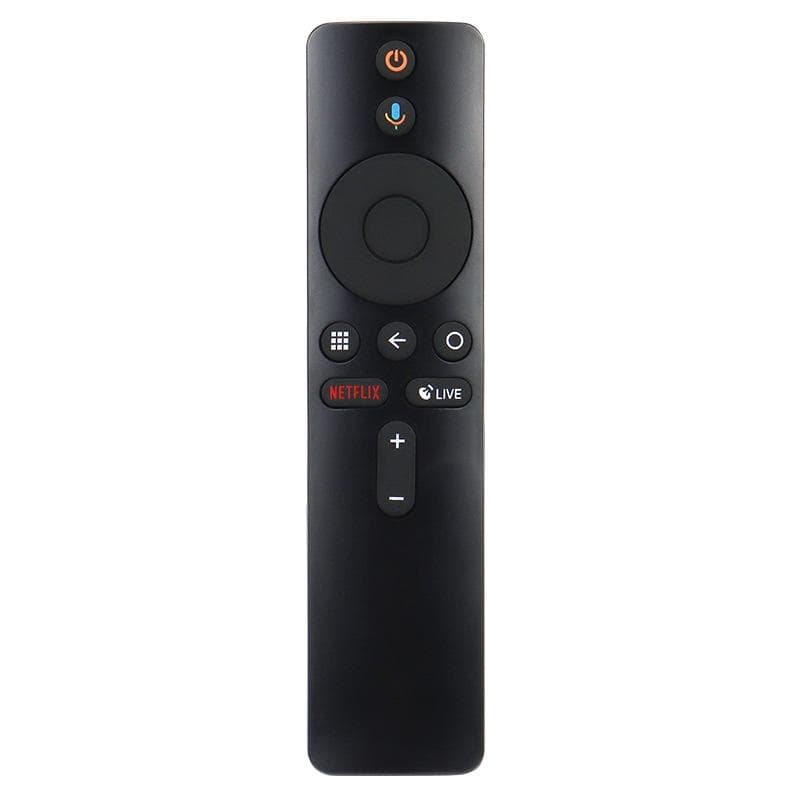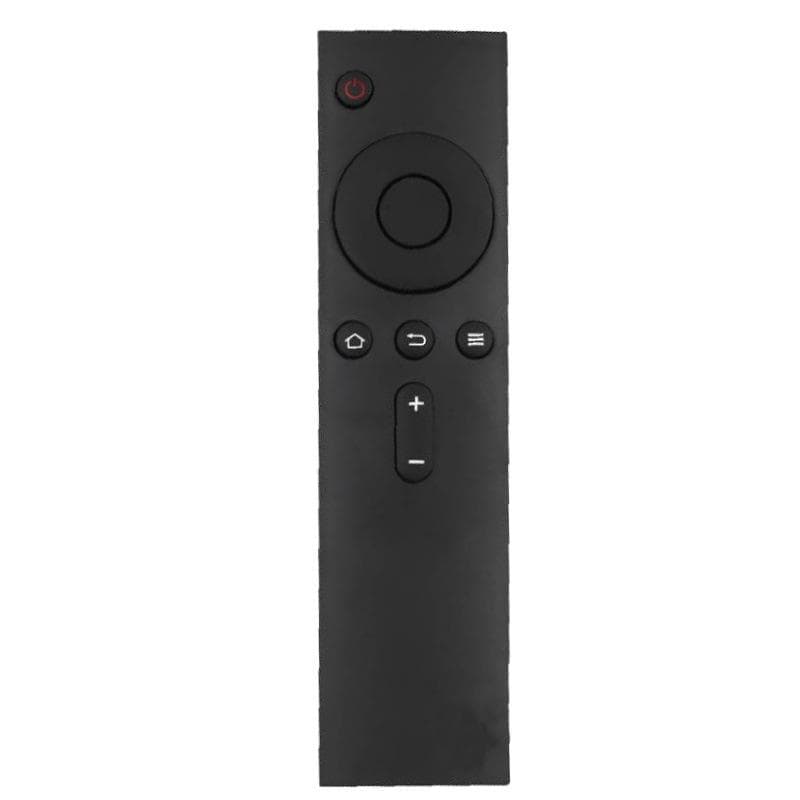
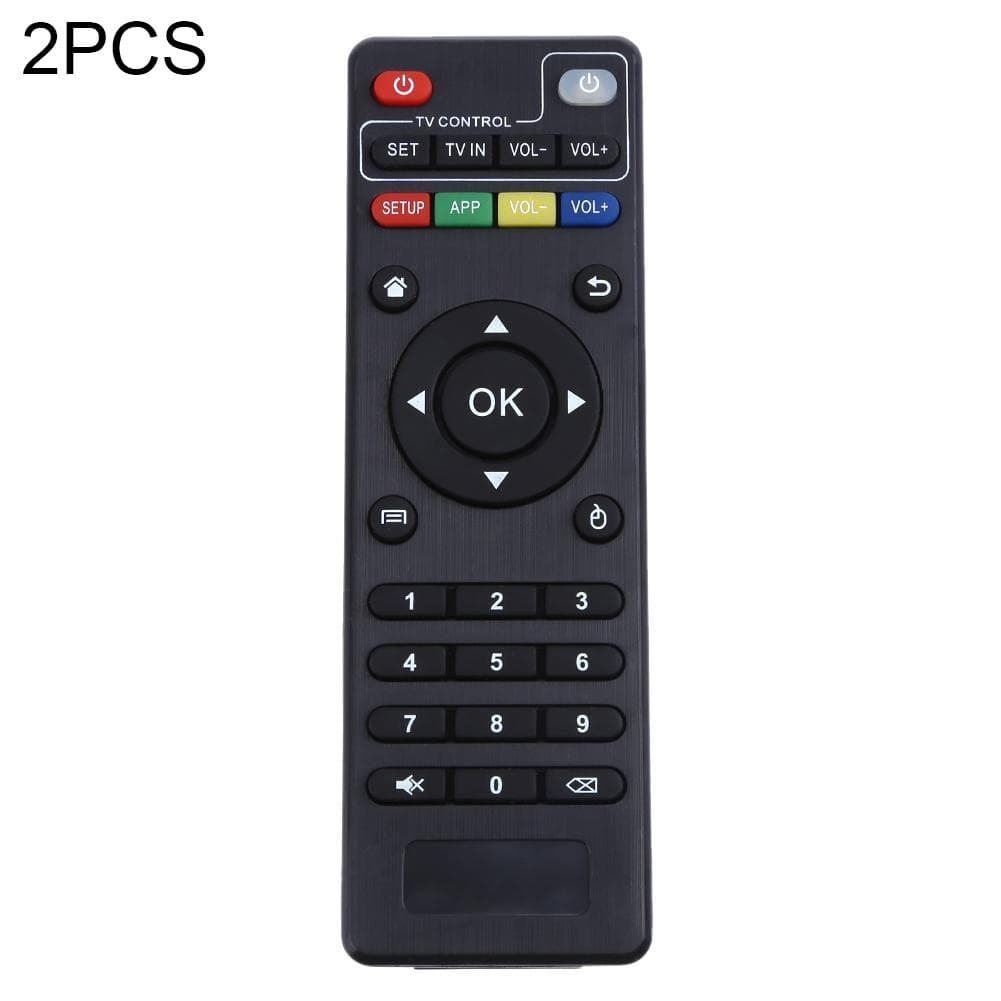
For Xiaomi MI BOX S TV Box  Live Version Bluetooth Voice Smart Remote Control (Black)
1 / 5
LuxtronicsTVIn Stock

For Xiaomi MI BOX S TV Box Live Version Bluetooth Voice Smart Remote Control (Black)

★★★★★
4.889 Ratings & Reviews|100% Genuine Guaranteed
.
Please install two AAA batteries (batteries are not included) before first use.
Slide the battery cover down firmly, then insert two AA batteries and replace the battery cover.
Pairing: On the device desktop, go to Settings - Remotes and Accessories - Add Accessory, and follow the on-screen instructions.
₹399
Inclusive of all taxes (GST included)
Check Delivery Time & Code:
Delivery by Saturday, 21 Nov (Free Express Delivery) Cash on Delivery Available
Quantity:
1 Year WarrantyOfficial Brand Coverage
7 Days ReplacementHassle-Free Returns
Free Express ShippingSecure Delivery
Cash on DeliveryPay only when you receive
Secure & Trusted Checkout
RuPay
amazonpay
Pay

🔗Frequently Bought Together

For Xiaomi MI BOX S TV Box  Live Version Bluetooth Voice Smart Remote Control (Black)

For Xiaomi MI BOX S TV Box Live Version Bluetooth Voice Smart Remote Control (Black)

₹399

+
Luxtronics Charger

Luxtronics 3-in-1 Foldable Magnetic Wireless Charger

₹3,999

Total Price:₹4,398

Overview & Features

. Please install two AAA batteries (batteries are not included) before first use. Slide the battery cover down firmly, then insert two AA batteries and replace the battery cover. Pairing: On the device desktop, go to Settings - Remotes and Accessories - Add Accessory, and follow the on-screen instructions. After pairing, a message will appear on the TV screen indicating a successful connection. Quickly jump to your favorite scenes with standard navigation and playback controls. Comfortable buttons, made of silicone material, sensitive to operation, durable for a long time. Applicable models: for Xiaomi MI Box S. Please note that this product is only the remote control, no other..

.

Verified authentic specification & quality tested.

Please install two AAA batteries (batteries are not included) before first use.

Verified authentic specification & quality tested.

Slide the battery cover down firmly, then insert two AA batteries and replace the battery cover.

Verified authentic specification & quality tested.

Pairing

On the device desktop, go to Settings - Remotes and Accessories - Add Accessory, and follow the on-screen instructions.
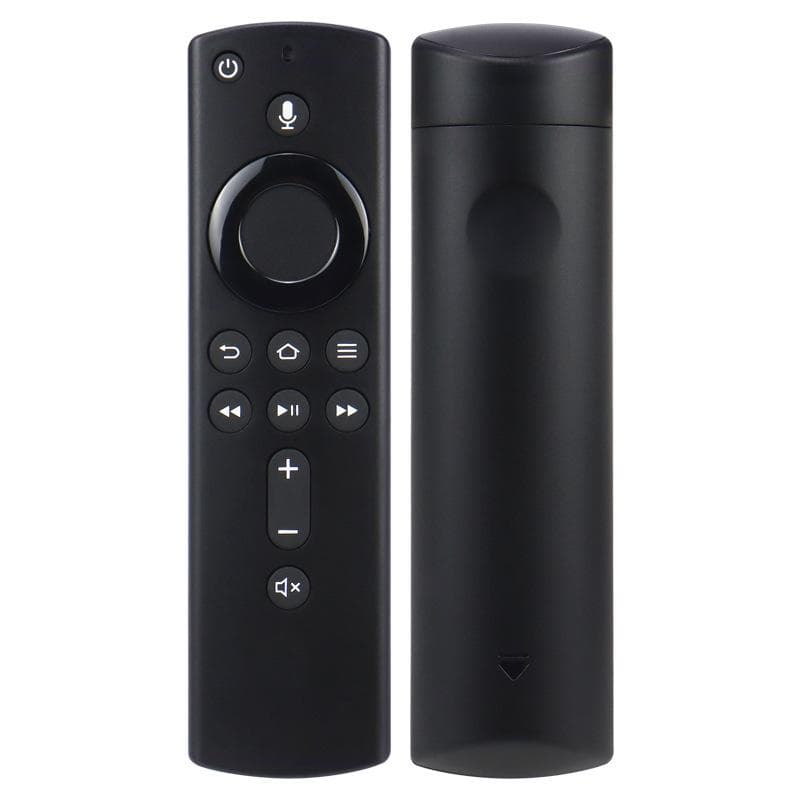
Technical Specifications

General Information
Model NameFor Xiaomi MI BOX S TV Box Live Version Bluetooth Voice Smart Remote Control (Black)
CategoryTV
Core Specifications
Spec 1Please install two AAA batteries (batteries are not included) before first use.
Recommended For You
View Full Catalogue